
Disclaimer: I received digital access to this product as well as reimbursement for the time spent writing this review in exchange for my honest thoughts. This post contains affiliated links.
Here’s the thing: I am not a tech-savvy person. I barely know how to use my smartphone. I would rather learn about animal husbandry, forging, the history of amusement parks, how to fix a watch, or even statistics before considering dealing with resetting my passwords on the computer. Let alone learning and teaching anything computer-related to my kids. I recognize my own limits, and so, I’m more than ecstatic to outsource this subject.
With that being said, I understand that essential computer skills are an absolute asset and I do want to raise tech-confident creators, but where do I start? I know I need a program that is affordable, holds my kids’ interests, and most importantly, I am not the primary educator. This is where MYTEK LAB fits our requirements.
I received digital access to this product as well as reimbursement for the time spent writing this review in exchange for my honest thoughts. This post contains affiliate links
What is MYTEK LAB?
MYTEK LAB was created by Jacky and Stephen Souders aka Mrs. and Mr. MyTek. They are a husband and wife team that really engages with the kids. Mrs. MyTek opens each class with casual conversation while getting the kids settled for the lesson. Mr. MyTek is the instructor and expertly leads the class. Both have teaching experience and degrees in Computer Information Systems.
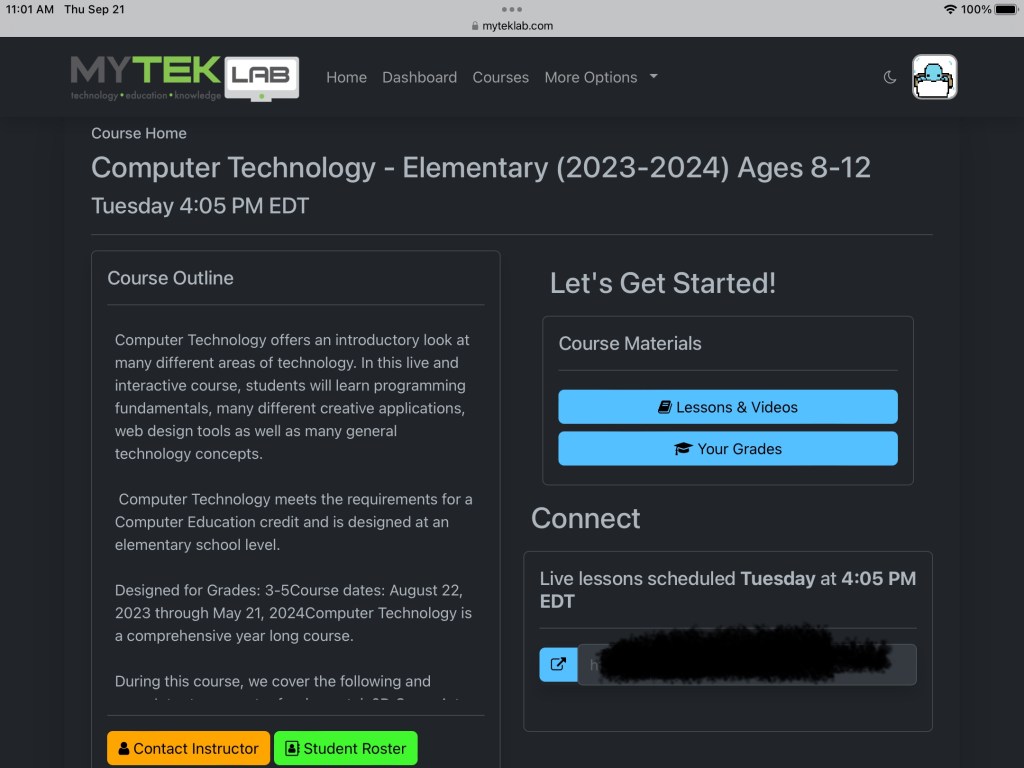
MYTEK LAB offers coding and programming classes for grades 3 to 12. My daughter is currently enrolled in their Computer Technology – Elementary Level (ages 8-12) In this live introductory class, students use creative applications and web design tools and learn general technology concepts.
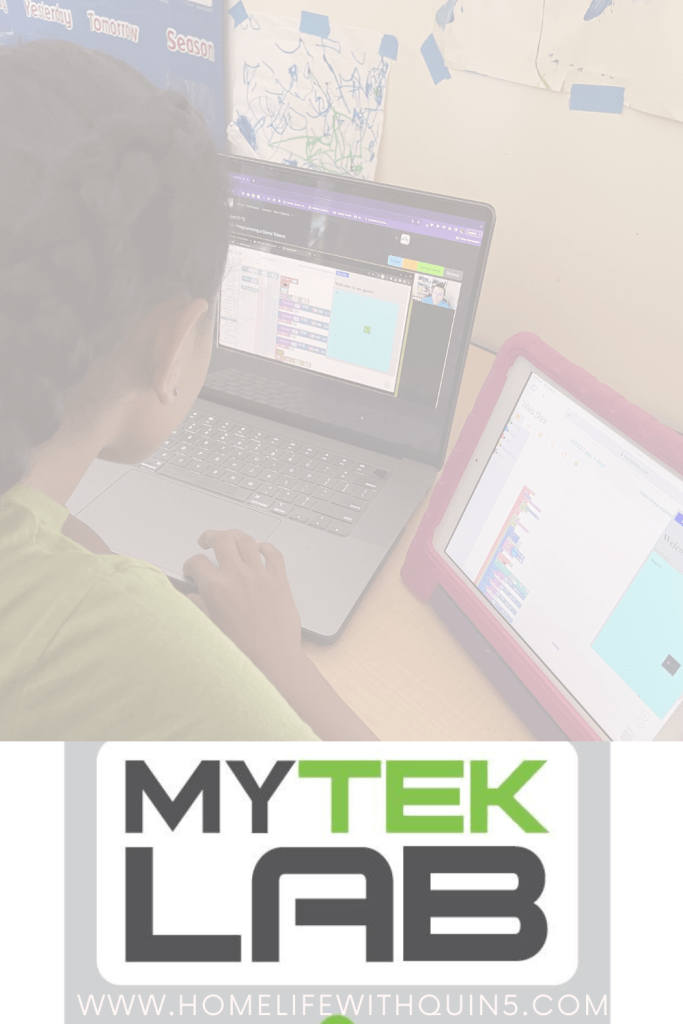
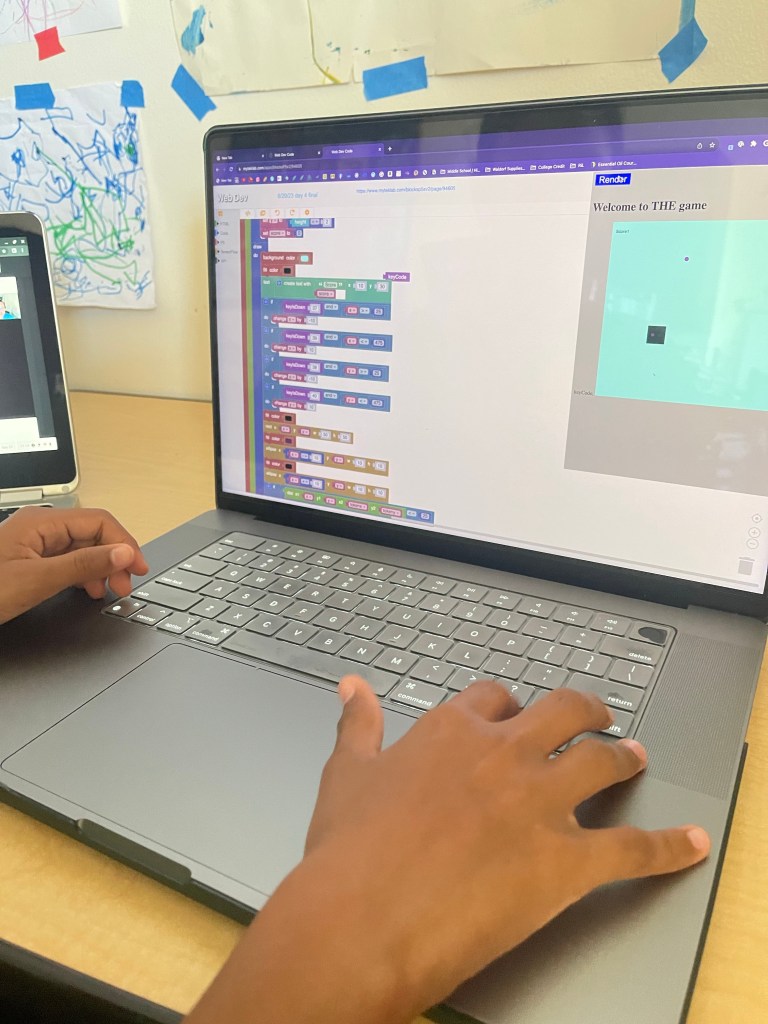
The required materials include access to a computer and the Internet; all you need to do is view the classes and complete their work. MYTEK LAB does recommend that students use two screens, one to view the video lesson and one to do their class assignment. My daughter uses the iPad for the Zoom class and a desktop or laptop for the actual interactive portion of the class. She finds it to be more comfortable.
How does MyTek Lab work?
It’s pretty straightforward. Students log into the site and then navigate the site via the student dashboard. Classes are held either live or Flex Pace once a week via Zoom. If you are not able to attend the live classes, the recording is available within two hours after the class has ended.
There are new projects every week and the child is expected to work on them during the week.
During the live classes, all students are muted by the instructor. This helps lower the distraction of background noises. However, students can open a private chat window to one of the instructors if they need help. There is a lot of encouragement, tons and explanations, and patience with the students. I am usually within earshot of the sessions and all I’ve heard were positive tones and patience. As a side note, the first class was devoted only to learning how to navigate the student dashboard.

Costs
MYTEK LAB is probably one of the more affordable technology classes available, with quality classes to match. Courses range in price from $49 a month for live classes and a $199 flat fee for Flex Paced Classes. They offer scholarships for families who need them.
Courses offered:
- Computer Technology Level 1
- Computer Science Level 1
- Computer Science Level 2
- Information Technology Level 1
- Information Technology Level 1
Student ages range from 8 years to 15+

Overall Impressions
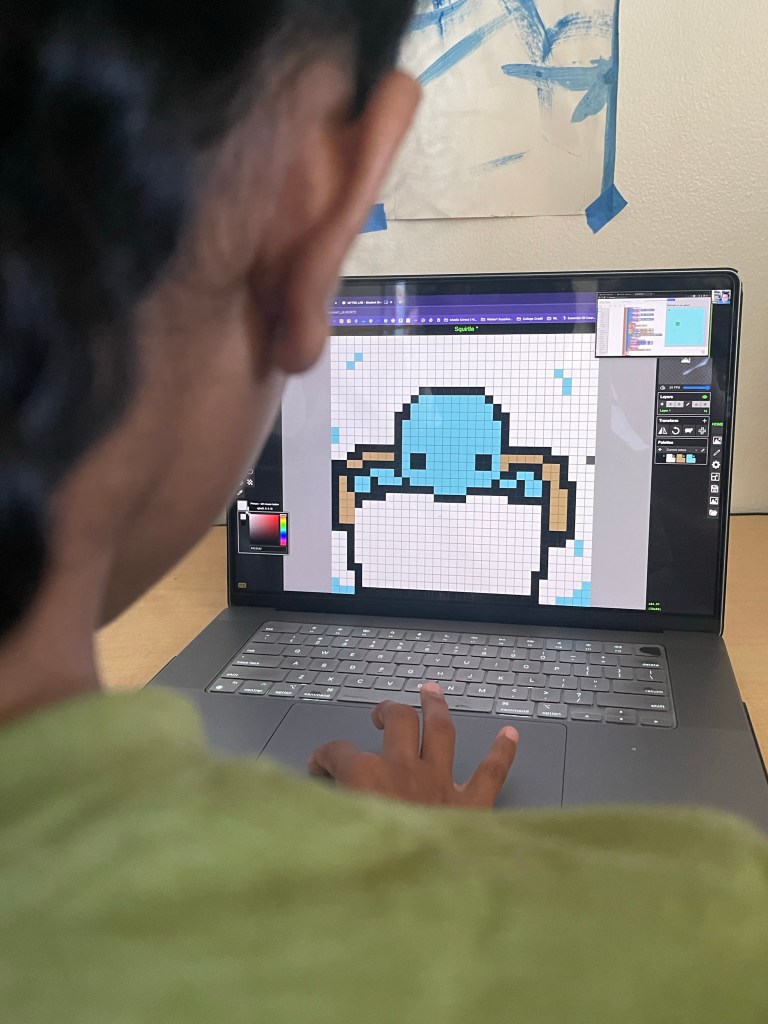
I am pleasantly surprised that my 10-year-old daughter is genuinely interested in this class. I didn’t realize this would be a subject she would enjoy. She reminds me when it’s class and sets her space up without any directions from me, including doing the homework!
She is taking Computer Technology 1 – Elementary with MYTEK LAB. It’s geared to students who range between ages 8 – 12, and focuses on Intro to Computer Fundamentals 2D Game Art, Programming, 3D modeling for games, VR Development, Web Design, Robotics, and 3D Modeling for 3D Printing.
It’s a full year-long course, beginning in August and ending in May. Each class is 50 minutes long.
After every class, she proudly shows off what she learned and the progress she made with any one of her projects. I’m so impressed. The way she navigates the site, and the total confidence she exudes when explaining her lessons to me, I’m in awe. It’s definitely the combination of her readiness and the positive instruction that both Mr. and Mrs. MyTek pour into the kids.
MYTEK LAB has been a wonderful addition to our homeschool. I can easily see us taking computer and technology classes with MYTEK LAB in the future.
If you are thinking of adding a Technology course to your homeschool, Check out MYTEK LAB’s website and social media. For new members, get $15 off of the monthly rate by emailing MYTEK LAB directly at jsouders@myteklab.com. Tell them @homelifewithquin5 sent you!
Follow MyTek Lab
Pin it for Later


 Homelife with Us